
There’s no shortage of tools that claim to download Threads videos. I’ve tried a fair number of them at this point — apps from the Play Store, browser extensions, random sites that show up in search results. Most have some combination of problems: aggressive ads covering the download button, watermarks on the output, poor quality, or results that just don’t work.
SaveTHR (savethr.com) ended up being the one I kept coming back to. This is a straightforward account of what it does, how it holds up in practice, and where it falls short.
What SaveTHR Is
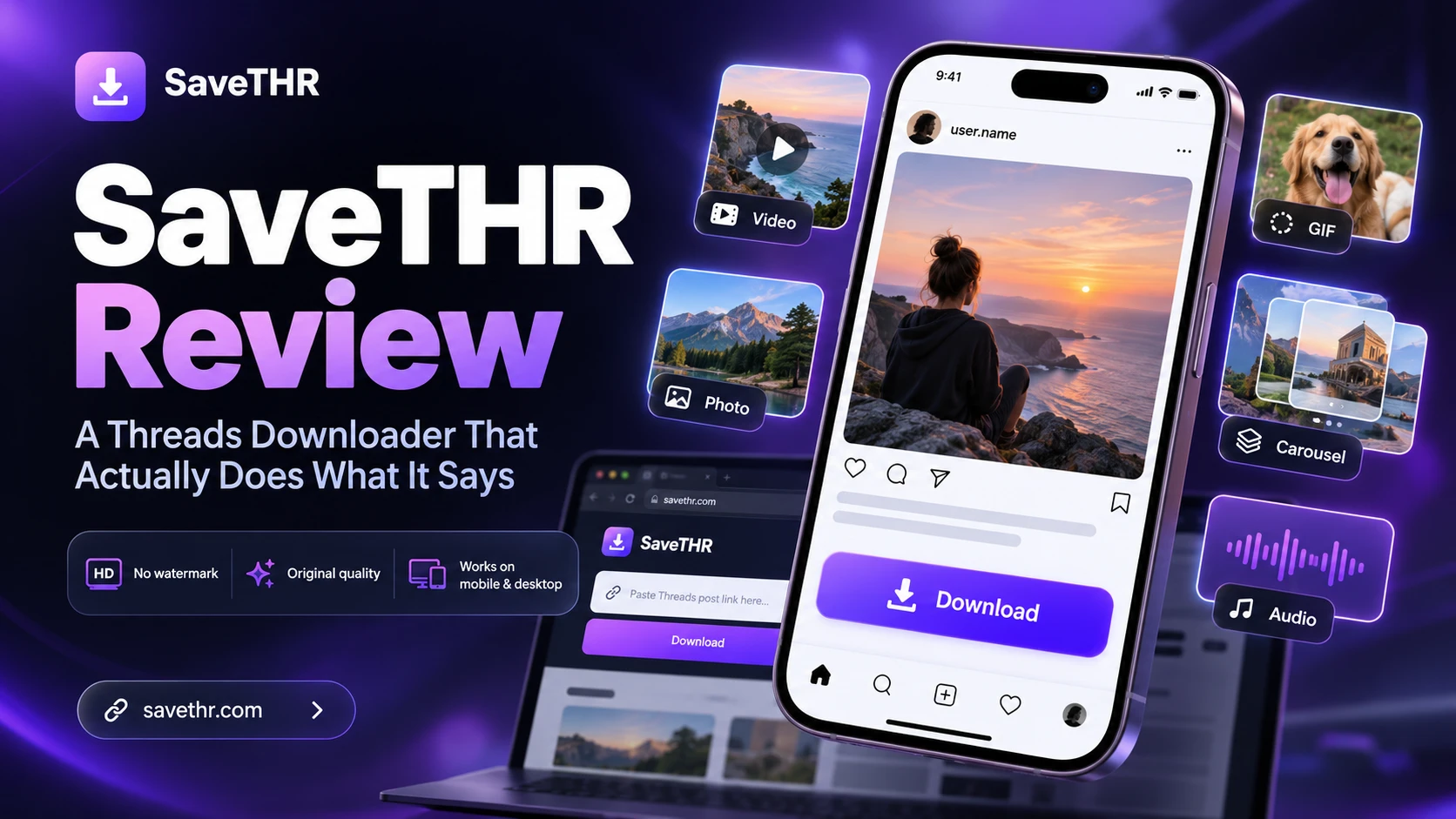
SaveTHR is a browser-based Threads downloader. You open it in any browser — Chrome, Safari, Firefox, Edge — paste a public Threads post link, and download the media. No app to install, no account to create, no browser extension required. It handles videos, photos, GIFs, Reels, carousels, Stories, and audio extraction from videos with an audio track.
It’s been around since Threads launched and gets updated when Threads changes its URL formats — it currently supports the newer threads.com/share/xxx/ format that some tools still haven’t caught up with as of mid-2026.
The Download Process
Paste a public Threads post link. Tap Download. Wait a few seconds while it resolves the post to the CDN URL. Choose your quality — typically 720p or 1080p, depending on what was uploaded. Download.
That’s genuinely all of it. No redirect pages in between. No countdown timer. No fake buttons positioned to catch accidental clicks. The process is as uncluttered as any downloader I’ve used.
The few seconds of wait time is the tool fetching post metadata and locating the video file on Meta’s CDN. Once the quality options appear, the actual download speed depends on your internet connection and the file size — same as downloading any file from any site.
Output Quality
SaveTHR fetches files directly from Meta’s content delivery network without re-encoding them. This matters for two reasons: quality and watermarks.
On quality: the file you get is the same MP4 that was streaming when you watched the video in the app. No additional compression, no resolution downgrade. If the original was 1080p, you download 1080p. If it was uploaded in lower resolution, that’s what you get — the tool can’t create quality that doesn’t exist at the source.
On watermarks: because there’s no re-encoding step, there’s no point in the process where a logo can be inserted. The output is clean — no SaveTHR branding, no overlay. I’ve tested this with dozens of downloads and the output is always the original file as posted.
Device Compatibility
Tested on Android (Chrome), iPhone (Safari), and desktop (Chrome on Mac). Works consistently on all three. The experience is identical — same interface, same steps, same output.
On Android, files go to Downloads and appear in the gallery within seconds. On iPhone, Safari prompts you after the download — tap Save Video to send it to Photos. On desktop, the file lands in your downloads folder like any other download.
This cross-device consistency is one of the clearest advantages over app-based alternatives. The Threads downloader apps I tried on Android had persistent ad issues and one required account creation. The App Store equivalent barely exists — Apple’s guidelines make these apps difficult to ship, so most iPhone users have no good app option anyway.
Content Type Support
Videos and Reels: MP4 at the original upload resolution.
Photos: JPG at original resolution. Noticeably sharper than screenshots, especially for photos with text or fine detail.
GIFs: downloads as MP4 (which is how Threads stores them internally). Plays correctly as a loop in any messaging app.
Carousels: paste the post link once, all items in the carousel are detected and offered as individual downloads.
Audio: MP3 extraction available for any video that has an audio track. Doesn’t appear as an option for silent videos.
Stories: works while the Story is still live. Expired Stories return an error, which is expected.
What Doesn’t Work
Private accounts. No external tool can access private Threads content without authentication credentials. This isn’t a SaveTHR limitation specifically — it applies to every downloader. If the account is private, the content stays private.
Deleted posts. Once a post is gone from Threads’ servers, the link is dead. Nothing can retrieve it.
SaveTHR is honest about both of these in its FAQ. It’s not trying to oversell what it can do.
What It Doesn’t Have
No batch downloading. Each video is a separate operation — paste, download, repeat. For people who occasionally save a video, this isn’t a problem. For bulk use cases, it’s a limitation.
No built-in library or history. Downloaded files go wherever your browser sends them and that’s it. There’s no in-tool organization, no watch list, no way to see what you’ve previously downloaded. It’s a downloader, not a media manager.
No native mobile app. Browser-based by design. If you find that workflow cumbersome, app-based tools are the alternative — but they come with the trade-offs described above.
Who It’s For
SaveTHR works well for anyone who occasionally wants to save something from Threads — a video tutorial, a clip to send to someone, reference material for work, content to watch offline. The browser-based approach means no setup and nothing to maintain.
It’s less suited for heavy users who need batch operations or want to build an organized library of saved content. For that use case, a dedicated app with built-in organization — if you can find one that works reliably — makes more sense.
The Short Version
savethr.com does what it says: paste a public Threads link, get the original file. No watermark, no re-encoding, no ads covering the button. Works on Android, iPhone, and desktop with identical results. Supports videos, photos, GIFs, carousels, Reels, Stories, and audio extraction. Falls short for batch downloads or users who want built-in library management. For occasional use — which covers most people — it’s the cleanest option in this space.