
The internet has made everyday tasks faster and more convenient, but it has also created countless opportunities for cybercriminals to exploit unsuspecting users. Many online attacks begin with something as simple as clicking the wrong link, making even routine browsing a potential security risk.
Developing the habit of checking links before clicking is one of the easiest and most effective ways to protect your personal information, accounts, and devices. In this guide, you’ll learn why this simple precaution matters, how to spot suspicious links, and the practical browsing habits that can help you stay safe online.
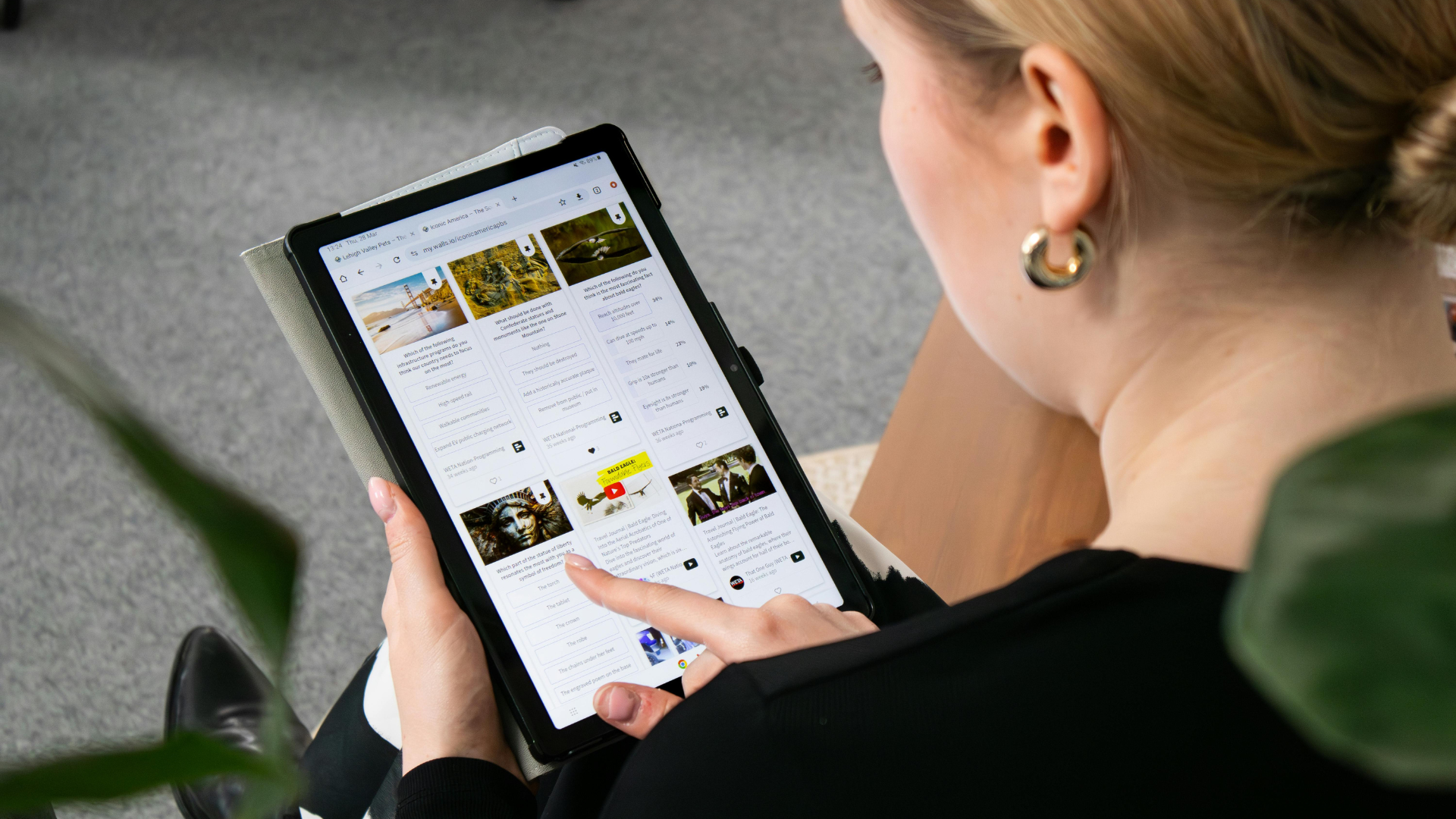
Cautious Clicking: Why It’s the Foundation of Online Safety
Phishing attacks aren’t just more frequent they’re sharper, faster, and far more convincing than they were even two years ago. One of the most effective protections available to you right now is using a reliable link checker before opening any unfamiliar URL. Bitdefender’s free tool, built on over two decades of cybersecurity research, scans links instantly for malware, phishing attempts, and counterfeit sites no technical background required.
Why Phishing Is Accelerating Right Now
Here’s a number that should give you pause. Enterprise employees clicked on phishing lures nearly three times more in 2024 compared to the prior year, with more than eight out of every 1,000 users clicking a phishing link each month, up 190% from the previous year. That’s not a gradual trend. That’s a crisis quietly unfolding inside inboxes everywhere.
The Real Damage One Bad Click Can Do
A single compromised link can expose your banking credentials, lock you out of critical accounts, or silently install spyware on a device you trust completely. Checking links before clicking and learning to avoid phishing scams are no longer optional precautions; they’re fundamental digital survival skills in 2025.
With the stakes this clear, let’s move from understanding the problem to actually solving it, starting with the daily habits that stop dangerous clicks before they ever happen.
Build the Habit: Recognizing Dangerous Links Before You Click
Most of us click impulsively. Curiosity and urgency drive the finger before the brain catches up that’s just how we’re wired. Building safe browsing habits starts with creating a deliberate mental pause before every click. Small friction, enormous protection.
Visual Clues That Flag Suspicious Links Immediately
Your eyes are your first line of defense, and training them costs nothing. Before clicking any link, hover over it to preview the actual destination in your browser’s status bar. Look for misspelled domain names, unusual extensions like `.xyz` or `.ru`, or addresses that seem almost right but not quite. Learning how to check suspicious links visually takes seconds and can spare you serious consequences.
When Visual Checks Aren’t Enough
Shortened URLs and cleverly disguised links can fool even experienced users. That’s precisely where a dedicated link checker proves its worth. Tools like VirusTotal, Google’s Transparency Report, Norton Safe Web, and Bitdefender’s platform scan URLs in real-time against continuously updated threat databases. They’re especially valuable for links arriving through email, messaging apps, or social media channels where scams cluster and spread fast.
Good tools only work when paired with consistent behavior. So let’s cover the habits worth building next.
Safe Browsing Habits That Shut Out Scams and Malware
Effective online safety tips don’t demand technical expertise; they demand consistency. Always verify an email sender’s identity before clicking anything inside the message. When uncertain, navigate to websites manually by typing the URL yourself rather than following a link. Keep browsers updated, because outdated software is essentially an open door for attackers.
Extra Layers That Make a Real Difference
Password managers reduce credential exposure if you do land on a fake page. Sandboxed browsers let you open suspicious links inside an isolated environment without risk. Multi-factor authentication adds a critical barrier even when passwords are stolen. None of these are advanced moves; they’re smart, accessible choices that anyone can implement today.
These habits have already protected real people from serious harm. The following examples illustrate exactly what a moment of caution can prevent.
Real-World Scenarios: When Pausing Before Clicking Prevented Disaster
A freelance designer received what appeared to be a payment notification from a client. The embedded link redirected to a convincing fake banking portal. She hovered first, noticed the URL bore no resemblance to her actual bank’s domain, and reported it instead of clicking. That single pause, shaped by solid safe browsing habits, protected her account entirely.
Small Details That Changed Everything
In another instance, a small business owner received a “package delivery” text containing a shortened link. Running it through a link checker flagged it immediately as a known phishing domain. What could have caused significant financial and reputational damage was neutralized in under thirty seconds.
The Evolving Threat: AI, Deepfakes, and Next-Generation Phishing
AI-automated phishing emails now achieve 54% click-through rates compared to just 12% for standard phishing attempts. That gap is staggering. QR code phishing, deepfake voice messages, and social media impersonation are all accelerating alongside it.
Keeping Pace With Increasingly Sophisticated Attacks
Cybercriminals now use AI to craft messages that feel personal, timely, and entirely believable. The only reliable response is combining human vigilance with AI-powered verification tools. Your safe browsing habits need to evolve at the same pace as the threats targeting you because standing still means falling behind.
Turn Every Click Into a Deliberate, Safer Decision
Checking links before clicking, using trusted verification tools, and practicing consistent safe browsing habits are investments that pay dividends every single day. The threats are real, they’re growing, and they’re becoming more convincing by the month. Awareness paired with the right tools gives you a genuine advantage. Share these online safety tips with someone who needs them because the most vulnerable point in any network is often the person who hasn’t yet learned to pause before clicking.
Answers to Common Questions About Link Safety
Why does pausing before clicking a link actually matter?
One impulsive click on a suspicious link can expose passwords, drain accounts, or compromise sensitive personal data. Months of careful security work can unravel in a single distracted moment; sustained alertness is worth every second.
What does hovering over a link reveal?
Hovering exposes the link’s true destination before you commit to it. It’s a fast, zero-cost defense; scammers design deceptive emails and fake websites specifically to obscure where they’re sending you, and hovering strips away that disguise immediately.
Are link checker tools completely reliable?
No tool is completely foolproof, but using a reputable link checker can significantly reduce your risk of visiting malicious websites. The strongest defense combines automated link verification with your own judgmentif something feels suspicious or out of place, it’s always best to avoid clicking and verify the source through another trusted method.